

LibreOffice Writer
Note: Startting with version 7 Libre Office allow users to choose only PDF/A 1b, 2,b and 3b. Nevertheless, exported files in most of cases meet the UK requirements careated and can be used.
-
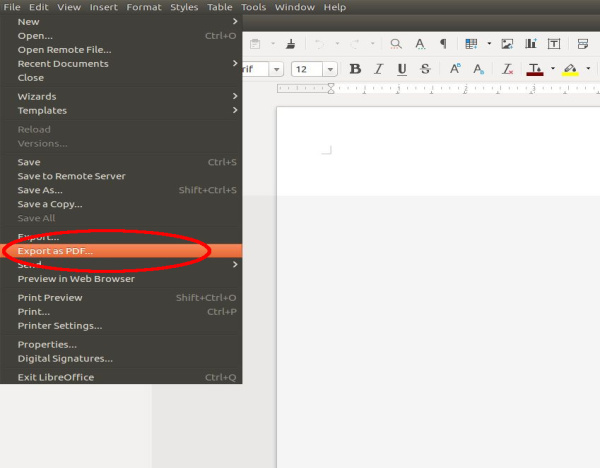
Under “File”, select “Export to PDF”
-
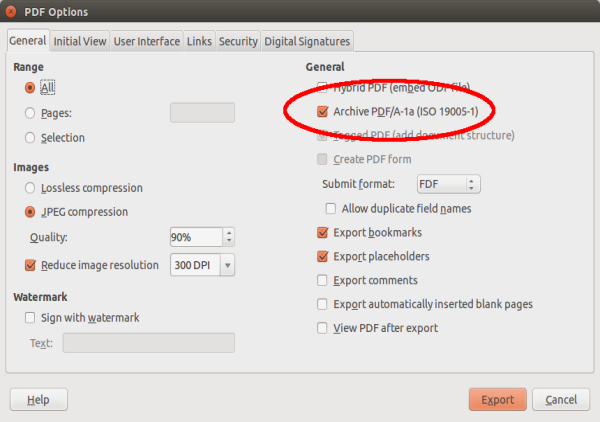
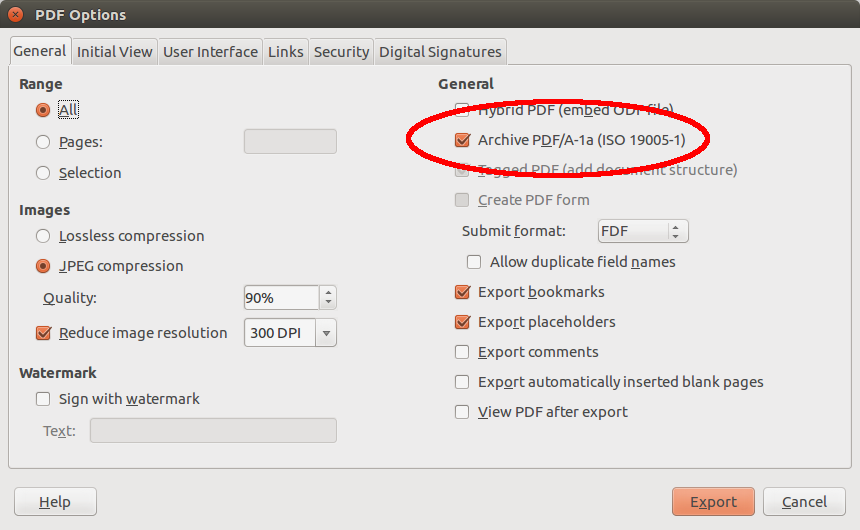
In the window “PDF options”, select “Archive PDF/A-1a (ISO 19005-1)” and export the document by clicking on “Export”.
-
Save the document in the usual manner.

Warning: The “Export as a PDF” button in the upper toolbar does not allow PDF file properties. Use “Export to PDF” from the “File” option.