Microsoft Word 2016
Microsoft Word 2016
-
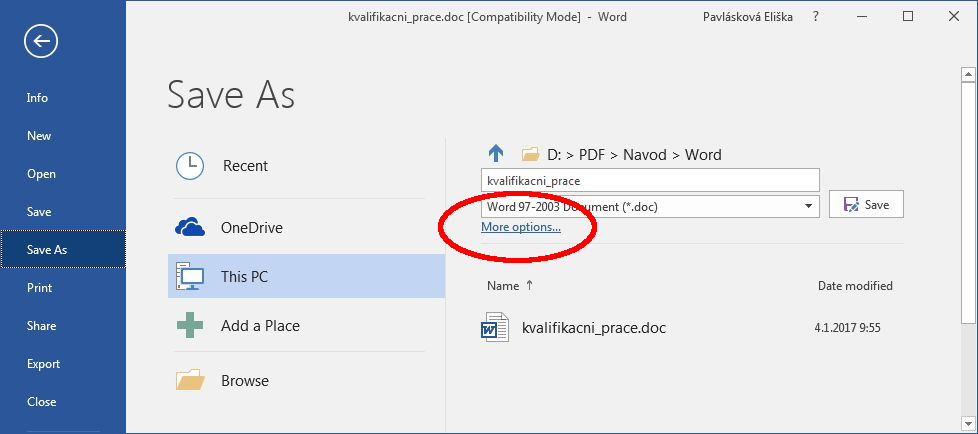
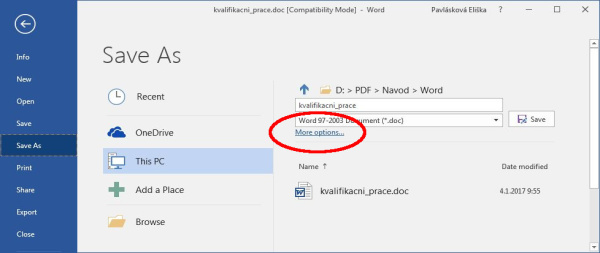
Under “File”, click on “Save As”.
-
Click on “More options...” located under the form for the file title and format.
-
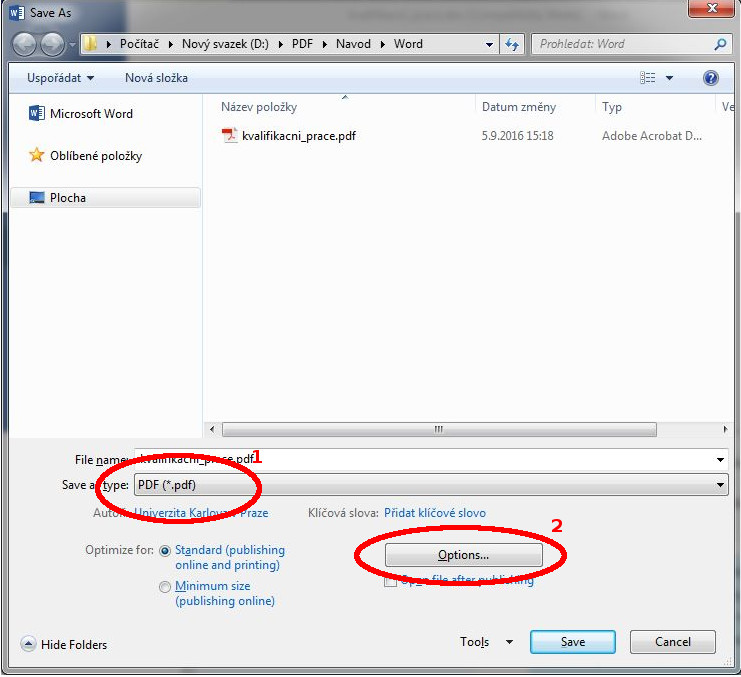
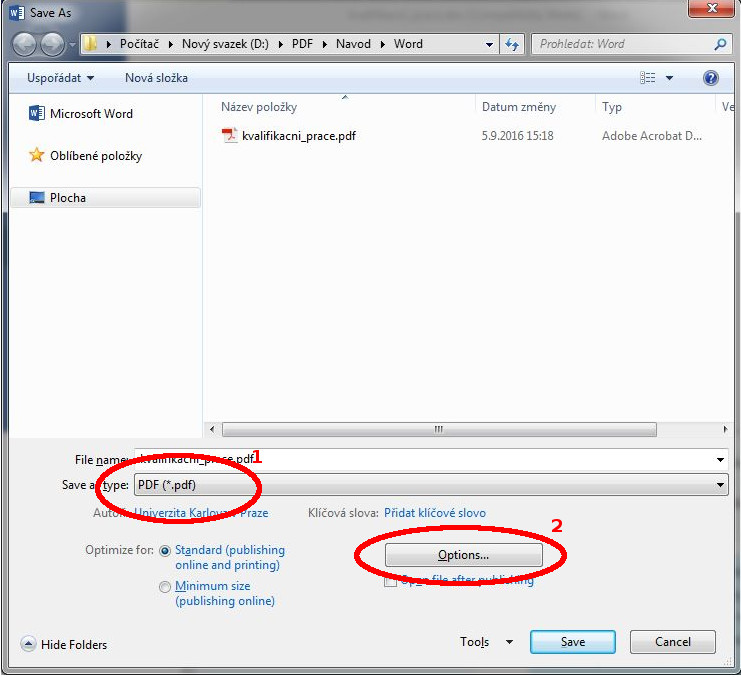
Under “Save as type”, select “PDF (*.pdf)”. Then click on “Options”.
-
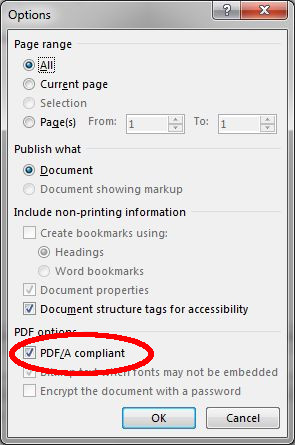
In PDF options”, select “PDF/A compliant.”
-
Save in the usual manner